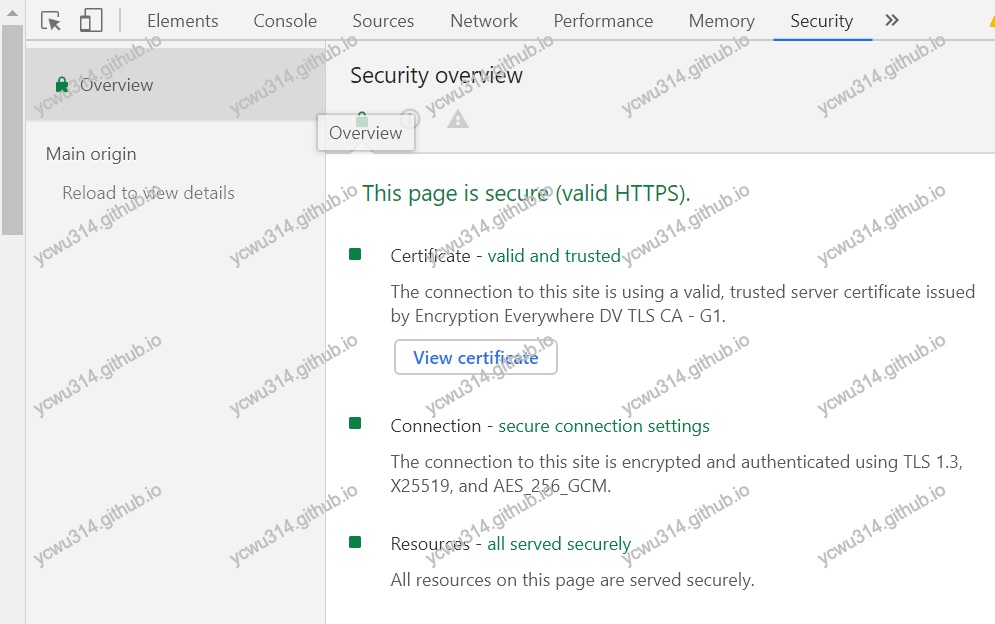
开启TLS v1.3的要求:
- openssl版本>=1.1.1
- nginx使用对应版本openssl构建
ubuntu 18.04LTS默认是openssl 1.1.0g。因此2个软件都要升级。
升级openssl
# wget https://www.openssl.org/source/openssl-1.1.1c.tar.gz
# gunzip openssl-1.1.1c.tar.gz
# tar xvf openssl-1.1.1c.tar
# cd openssl-1.1.1c/
# ./config
# make
# make install
新的openssl放在apps目录。先尝试执行
# cd apps
# ./openssl
./openssl: /usr/lib/x86_64-linux-gnu/libssl.so.1.1: version `OPENSSL_1_1_1' not found (required by ./openssl)
./openssl: /usr/lib/x86_64-linux-gnu/libcrypto.so.1.1: version `OPENSSL_1_1_1' not found (required by ./openssl)
这是因为so文件没有加入到动态链接库路径。google到这个帖子`OPENSSL_1_1_1’ not found (required by openssl)
# echo "export LD_LIBRARY_PATH=/usr/local/lib" >> ~/.bashrc
# ldconfig

# openssl
OpenSSL> version
OpenSSL 1.1.1c  28 May 2019
至此,openssl升级成功。
升级nginx
一般思路是,卸载旧的nginx,再用源码构建,比较麻烦的是configure加上一堆with_XXX module。 google发现有个PPA库正合适。参见How to Easily Enable TLS 1.3 in Nginx on Ubuntu 18.10, 18.04, 16.04, 14.04
# add-apt-repository ppa:ondrej/nginx
# apt update
# apt remove nginx
# apt install nginx
中途会询问要不要更新配置文件。因为我已经配置好,选择保留旧的。
# nginx -V
nginx version: nginx/1.16.0
built with OpenSSL 1.1.1b  26 Feb 2019 (running with OpenSSL 1.1.1c  28 May 2019)
nginx配置
ssl_protocols TLSv1.2 TLSv1.3;
验证
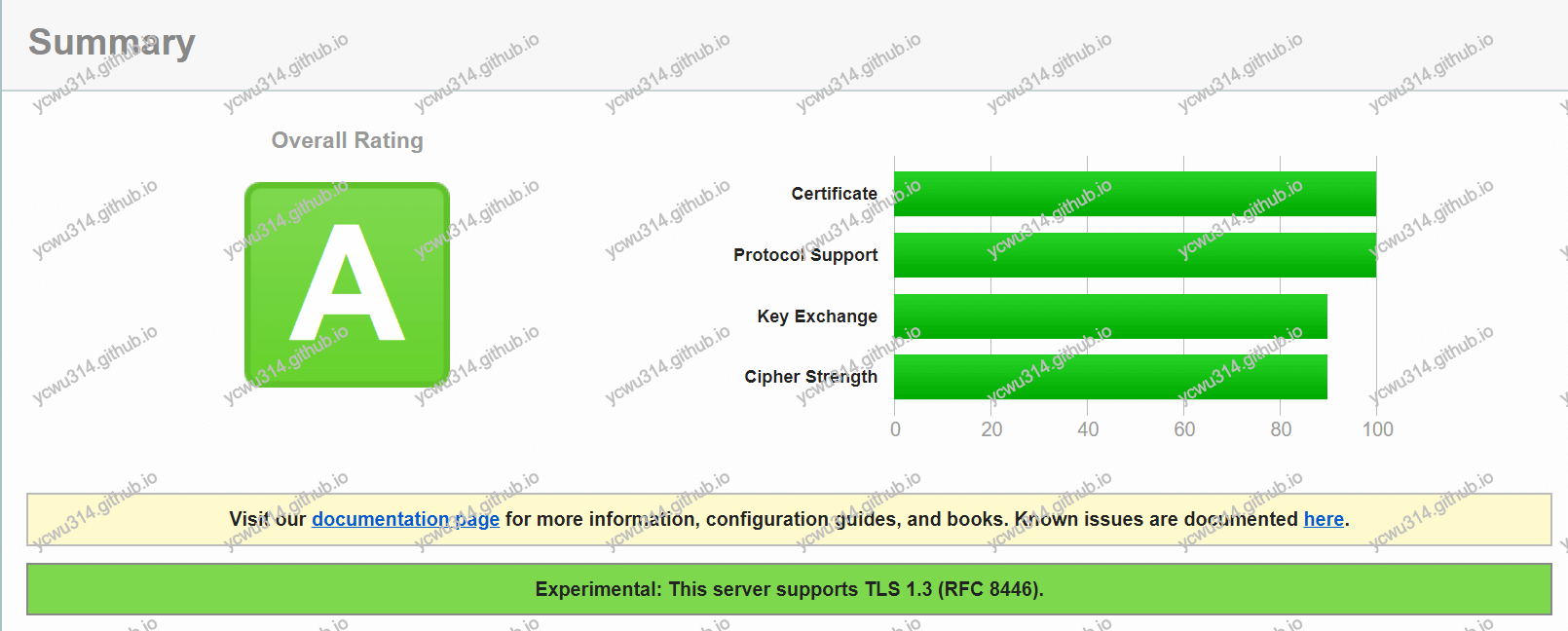
ssllabs.com
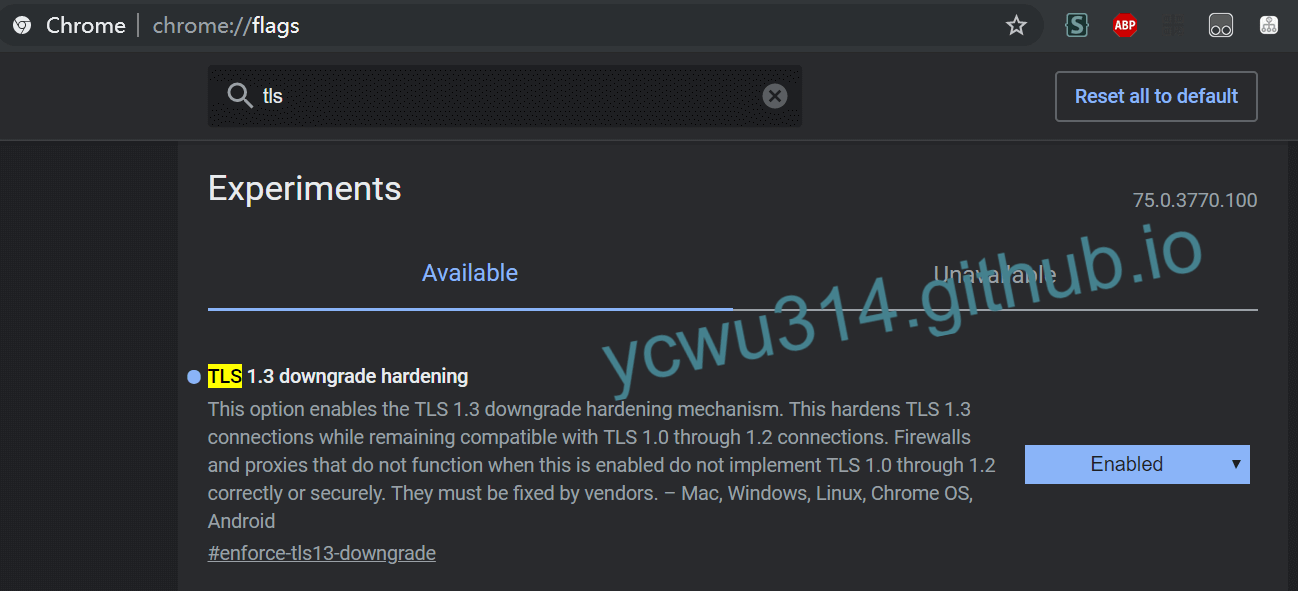
chrome75上要手动开启TLS1.3支持。地址栏输入chrome://flag,搜索tls
重启chrome后,打开我的项目站点